
How to import WooCommerce products using a transfer file created on another WordPress site

This article describes the easiest way to import WooCommerce products from a .csv file created for migration on another WordPress site – step-by-step, illustrated
How to create a WordPress events site using Elementor

Elementor is the most popular and powerful theme and page builder within WordPress. However, there is still no built-in support for customizing an event plugin, similar to how e-commerce (i.e. WooCommerce) customization is enabled. In this article, I will try to give the best solution to this problem.
How to change currency symbol in WooCommerce – tutorial with code

The way the currency code is displayed in WooCommerce is predefined. There is no natural way to change currency symbol – by entering it in a setting field, for example. The easiest way to change the currency symbol in WooCommerce is to insert a short PHP code.
How to customize a checkout page with the Elementor Checkout widget

In this article, I will explain how to customize a checkout page in WordPress and how to use the Elementor Checkout widget.
How to customize a cart page with Elementor Cart widget

Customizing the cart page has always been one of the more difficult tasks WordPress developers have faced. WooCommerce has always been a bit of a hostile platform if you would like to easily change the look of its pages and components. Here I present the way Elementor Pro recently eased this problem for us.
How to change colors of WooCommerce info bar to global Elementor colors
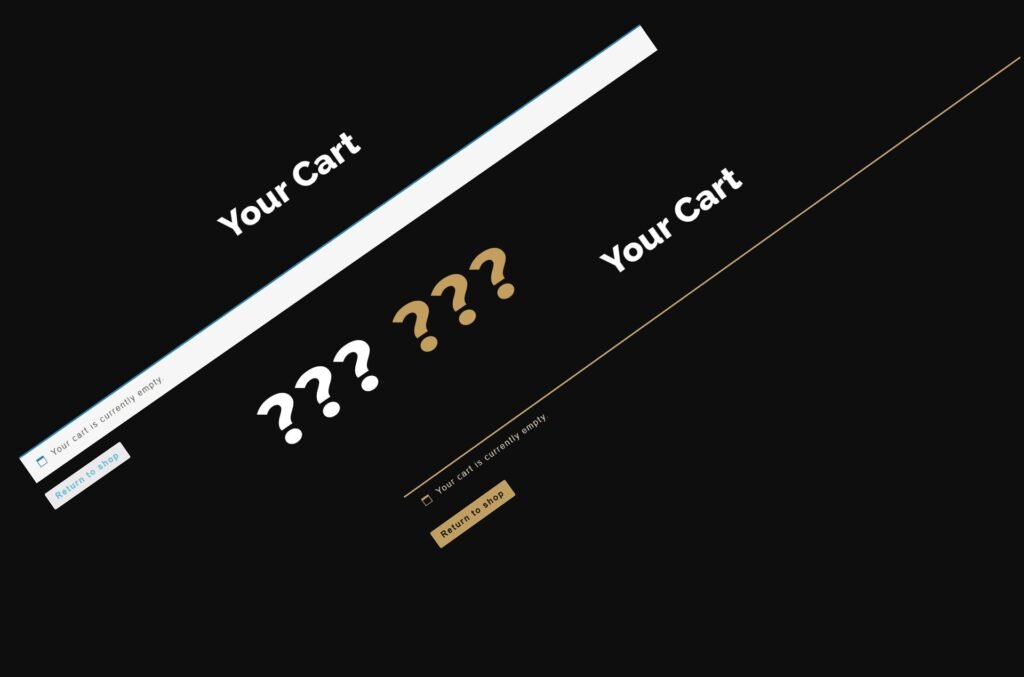
When WooCommerce displays the first message at the top of the screen it becomes clear: global Elementor colors that you have so carefully specified in the Site Settings section are not valid at all on the WooCommerce info bar.
When professionals need a plugin to hide link URLs

The pro version of this plugin looks like an older, stronger brother of its free version – that same plugin but on steroids. This version is intended for serious marketing work and people who are serious about making money from affiliate links.
How do I mask the link’s URL on a WordPress site – the easiest way

There are some cases when it is good to mask the real link on the site with another link: to cover up the affiliate link, to protect the location of the download file, etc