
How to change colors of WooCommerce info bar to global Elementor colors
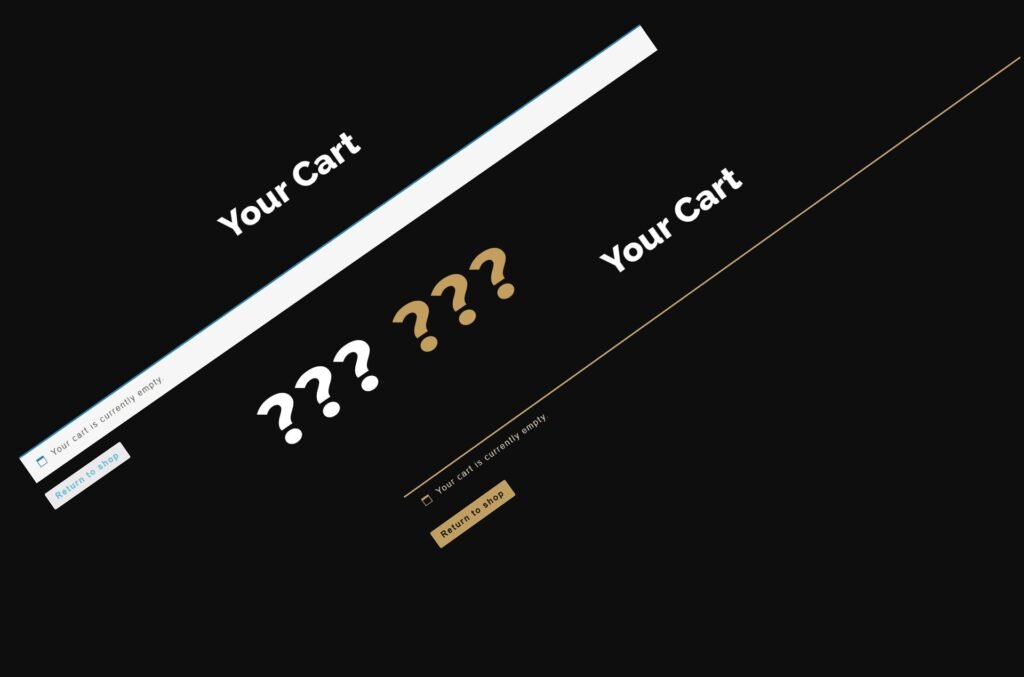
When WooCommerce displays the first message at the top of the screen it becomes clear: global Elementor colors that you have so carefully specified in the Site Settings section are not valid at all on the WooCommerce info bar.
When professionals need a plugin to hide link URLs

The pro version of this plugin looks like an older, stronger brother of its free version – that same plugin but on steroids. This version is intended for serious marketing work and people who are serious about making money from affiliate links.
How do I mask the link’s URL on a WordPress site – the easiest way

There are some cases when it is good to mask the real link on the site with another link: to cover up the affiliate link, to protect the location of the download file, etc
Elementor Single Product templates: How to set display conditions
This is an illustrated guide that explains how to set display conditions for a template for a WooCommerce single product. The single product template is part of the Elementor Pro Theme builder.
How to import packaged Elementor kit into your website

How to import an Elementor kit (new version – one .zip file that contains the whole website) prepared and packaged by Elementor Pro or Pro Elements plugin to a new website – step-by-step, illustrated
How to import blog articles from another WordPress site – the easiest way

This article describes the easiest way to import blog articles from a .xml file created for migration on another WordPress site – step-by-step, illustrated
How to export blog articles from WordPress along with featured images – the easiest way

This article describes the easiest way to export blog articles to a .xml file from WordPress for migrating to another site along with the included images – step-by-step, illustrated
How to export WooCommerce products to a file for transfer to another WordPress site

This article describes the easiest way to export WooCommerce products to a .csv file from WordPress for migrating to another site – step-by-step, illustrated